Help · Photographer mode
How to use Photographer mode
A timeline with a Baily's beads simulator, framing by focal length, exposure calculators and a printable plan to take into the field: this is how you prepare an eclipse shot with zero margin for error.
In three steps
- Set up your camera — or up to three, in My cameras — sensor, focal length and aperture are the basis for every calculation that follows.
- Go through the timeline to see, phase by phase, the recommended exposure and the real look of Baily's beads over the lunar relief.
- Generate your PDF plan with the checklist and take it into the field, without depending on your phone at the critical moment.
Timeline and Baily's beads simulator
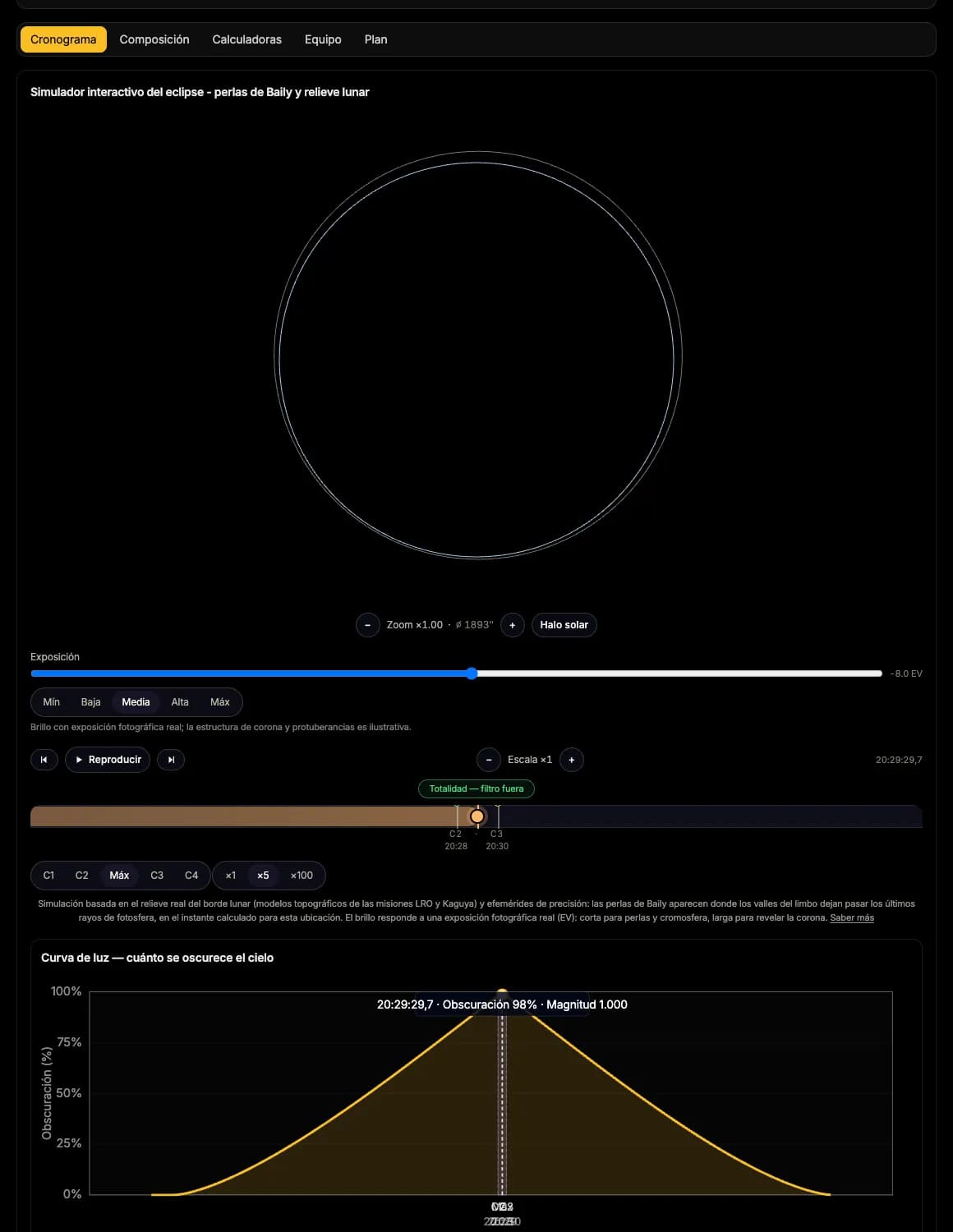
The timeline goes through the eclipse phases — the incoming partial phase, Baily's beads, totality, the outgoing beads, the outgoing partial phase — with the recommended photographic exposure (EV) for each one, and the light curve that explains why it changes so fast in the seconds around C2 and C3.
The Baily's beads you see are not a generic animation: they emerge from the real relief of the lunar limb, reconstructed from topographic data of the LRO and Kaguya missions. The bead pattern — where they appear, how many and in what order — depends on the Moon's libration at that exact instant and on your exact location.
Remember that, outside of totality, you need a certified ISO 12312-2 solar filter in front of the lens at all times — including the seconds right before C2 and right after C3, when the temptation to remove it too early is greatest.
The camera's solar filter is an ND 5.0 (ND100000), about 16.6 stops of attenuation — don't confuse it with a filter labelled just "ND5", which for most makers is only about 5 stops and won't do for the Sun. Being very dark isn't the point: it also has to block infrared and ultraviolet, not just visible light.
Composition: framing and alignment
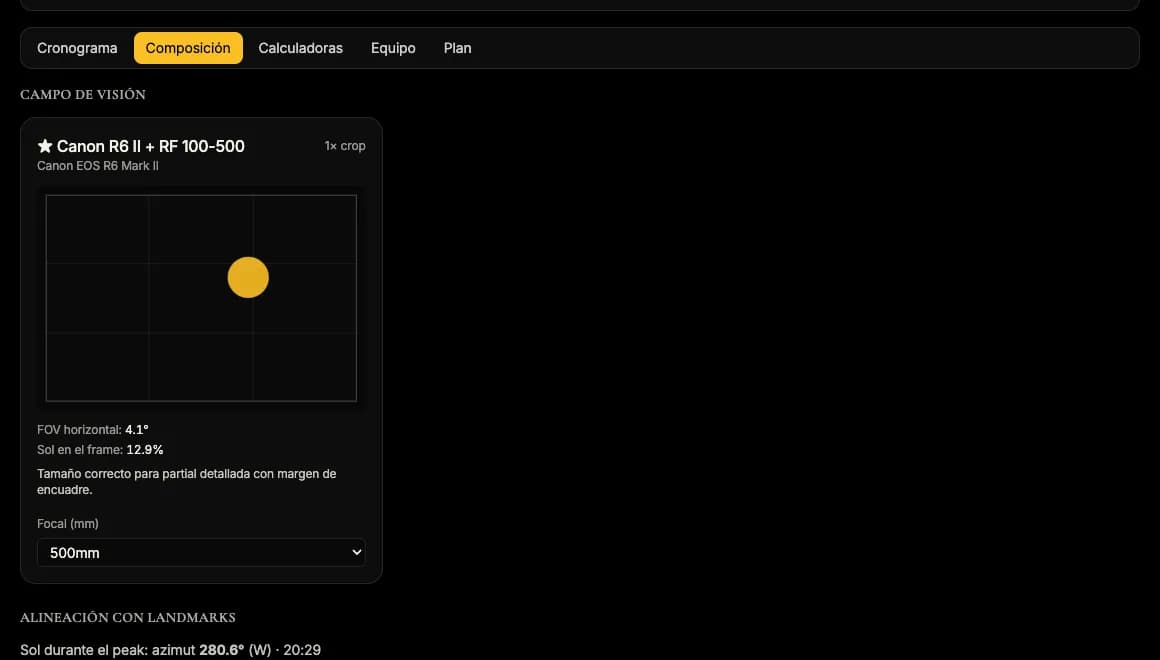
Field of view depends on your sensor size and your lens's focal length: the simulator computes it for your exact gear and shows you how much Sun — and how much surroundings — you'll actually capture, instead of finding out through the viewfinder on eclipse day.
It also helps you decide whether you're after a clean frame of the eclipsed Sun on its own or a composition with landscape, aligning the solar path with terrain features you already know from the simulator's map.
Calculators: exposure, smearing and star trails
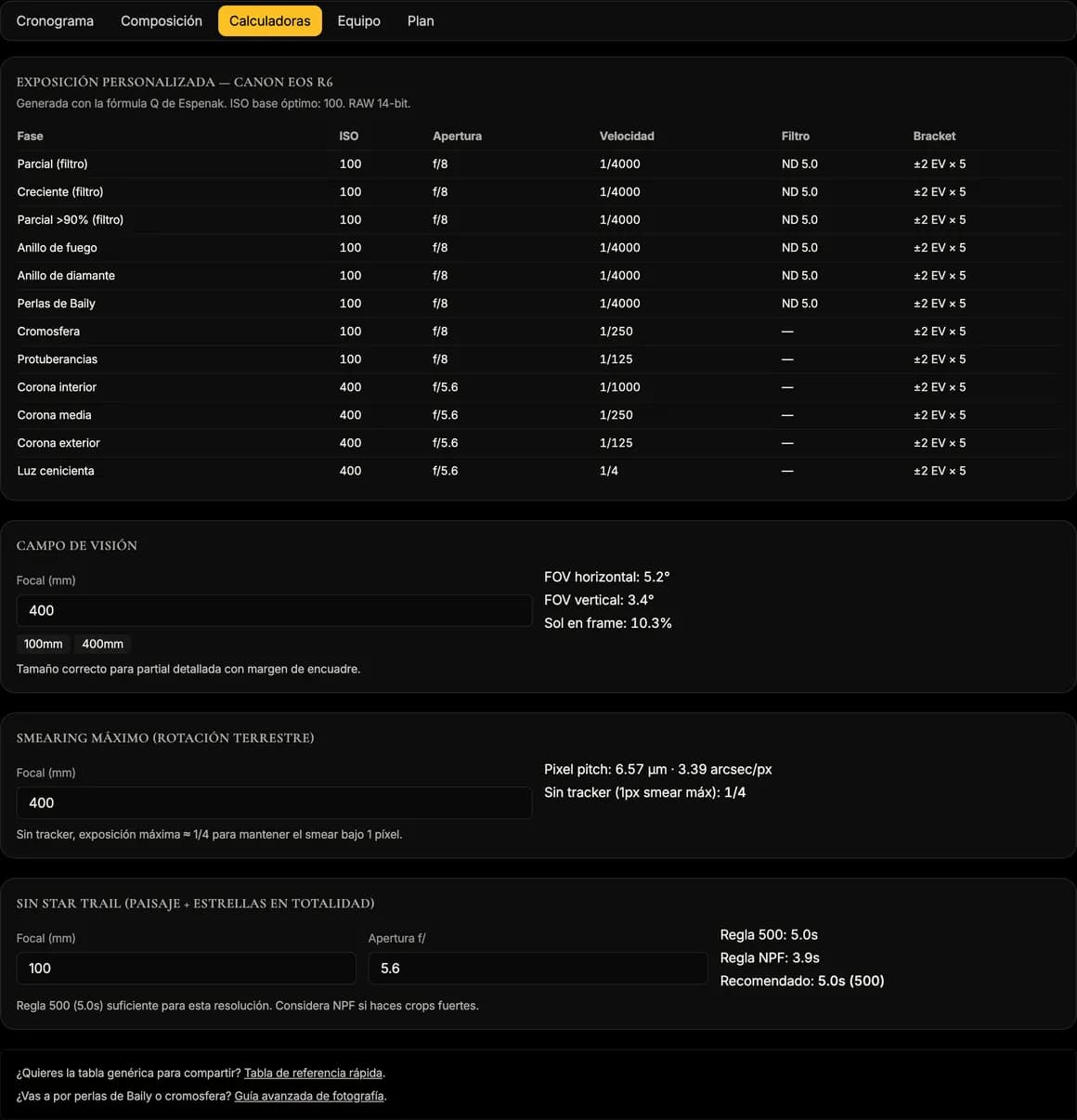
The per-phase exposure calculator is based on photometric formulas from open literature — Espenak's approach, not a closed commercial chart — and adapts to the aperture and sensitivity of your specific camera.
The smearing calculation warns you of the maximum exposure time before the Sun's own apparent motion starts to blur the disc, for your specific focal length and sensor resolution combination.
If you also want to photograph the night sky or star trails in the days before or after, the calculator compares the classic 500 rule against the NPF rule — stricter, and recommended for high-resolution sensors — for your specific gear.
Your plan: PDF, checklist and augmented reality
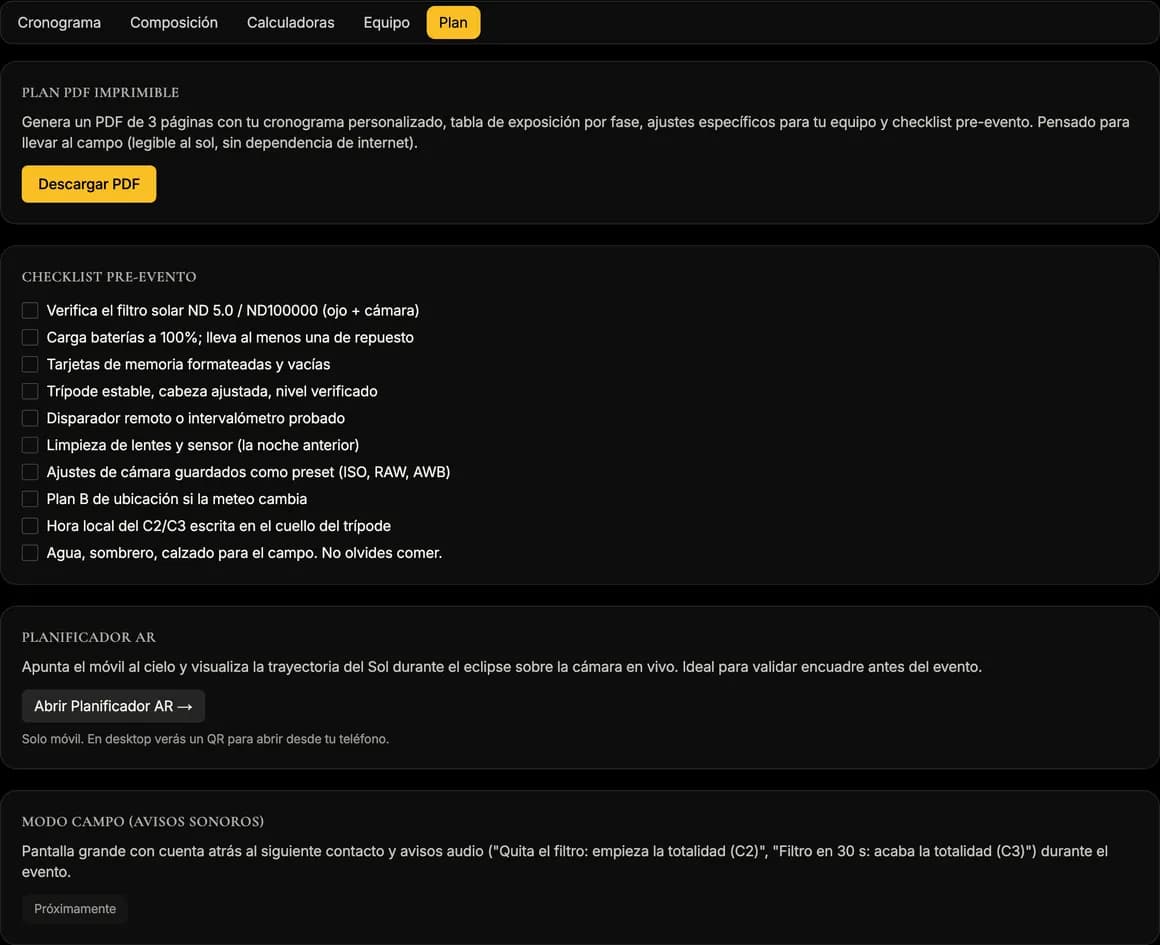
The PDF plan gathers the full timeline, an exposure table for each of your cameras and an equipment checklist into three printable pages, designed to be checked with no battery or signal, on paper or in airplane mode.
Augmented reality mode overlays the Sun's path on your phone's camera so you can practice your framing before eclipse day. Field mode — a large-type screen counting down to the next contact — is still in the works: what you take into the field on eclipse day is the PDF.
If you work with several cameras, My cameras stores up to three configurations (body, focal length, aperture) and lets you mark one as primary: every calculator and the PDF adapt automatically to each one.
How we compute this
The relative brightness of each phase — photosphere, beads, chromosphere, corona — is computed with published photometric formulas, not made-up values: that's why the recommended exposure changes so abruptly in the seconds around C2 and C3, just as it does with a real camera.
Baily's beads are computed from the real profile of the lunar limb — topography from the LRO and Kaguya/SELENE missions — and from precision ephemerides: each bead's position and instant are a result of the calculation, not a preset animation.
We don't publish fixed numeric exposure recipes: the calculator derives them on the spot for your exact camera, aperture and sensitivity combination, following Espenak's open photometric approach.
Frequently asked questions
- Do I need to set up my camera for the simulator to be useful?
- You can explore the timeline without setting it up, but the exposure, smearing and composition calculators only give useful values once you enter sensor, focal length and aperture in My cameras.
- Are the simulator's Baily's beads the same at every location?
- No. The pattern depends on lunar libration at the moment of the eclipse and on your exact location, because both change which valleys of the lunar relief let light through.
- Can I take the plan with me with no phone signal on eclipse day?
- Yes — that's exactly what the three-page PDF is for: it's designed to be used offline, on paper or with your phone in airplane mode. Field mode, which will do the same on screen, isn't available yet.
- How many cameras can I set up at once?
- Up to three in My cameras, with one marked as primary. Every calculator and the PDF are generated for each saved configuration.